Reports that update themselves
ETL Sync moves data from 1C, BILLZ, Excel and Google Sheets into your database every few minutes. Power BI, Tableau and the Telegram bot always show fresh numbers — no manual exports and no load on 1C.
- Start plan — free forever
- Installs in 2 minutes
- Your data stays with you
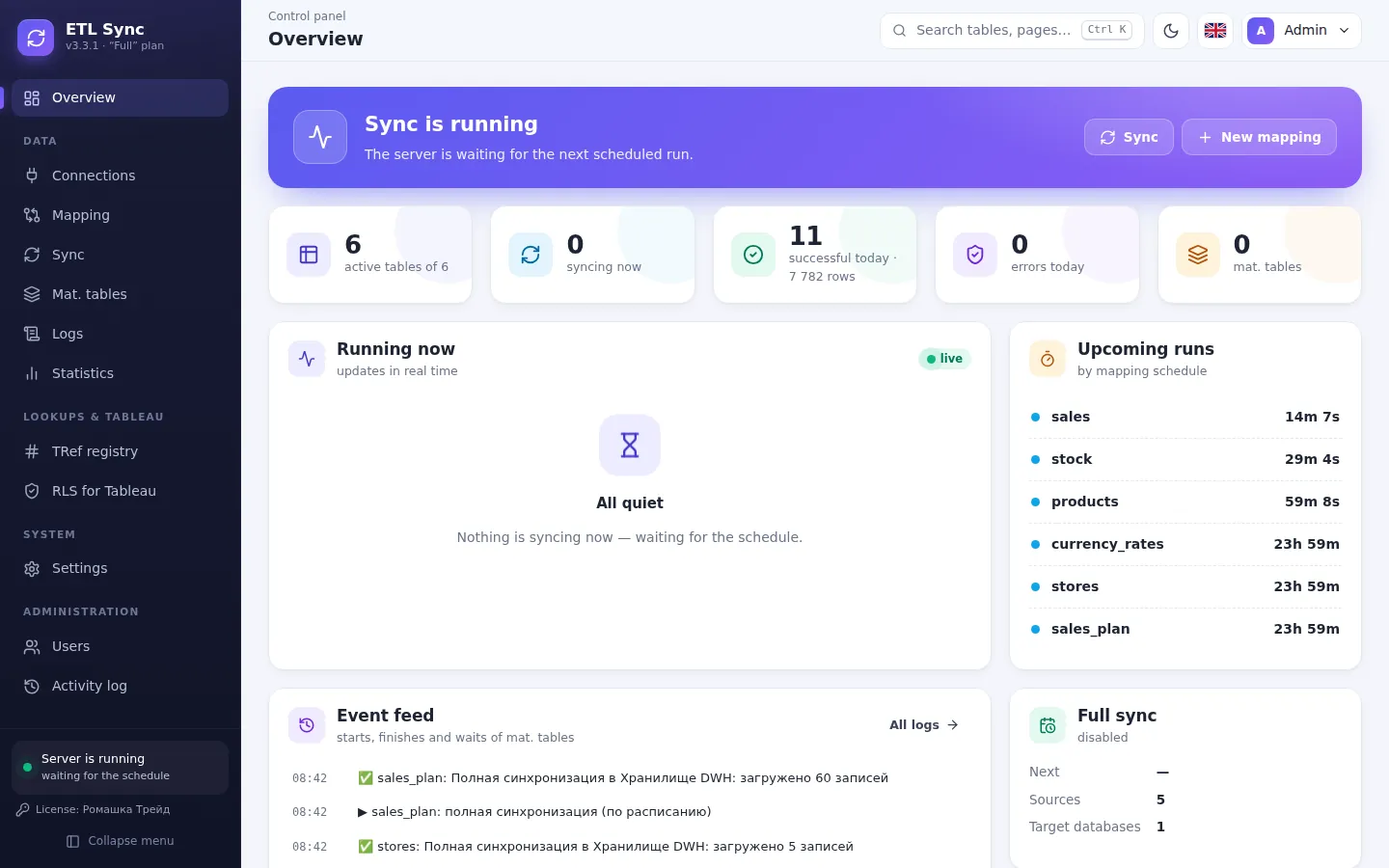
See it in action
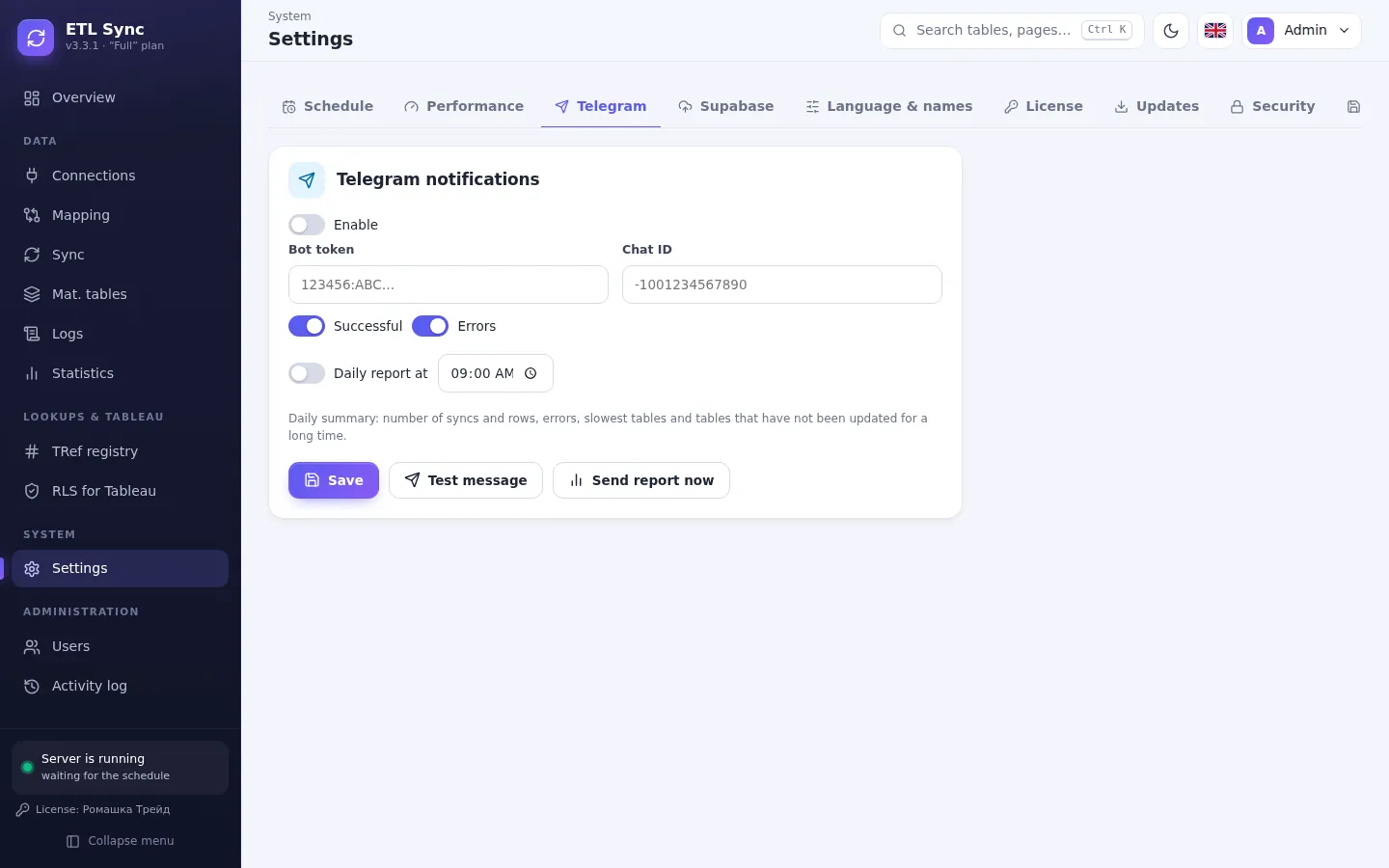
Real screens of the program — a clear panel in your browser, no command line.
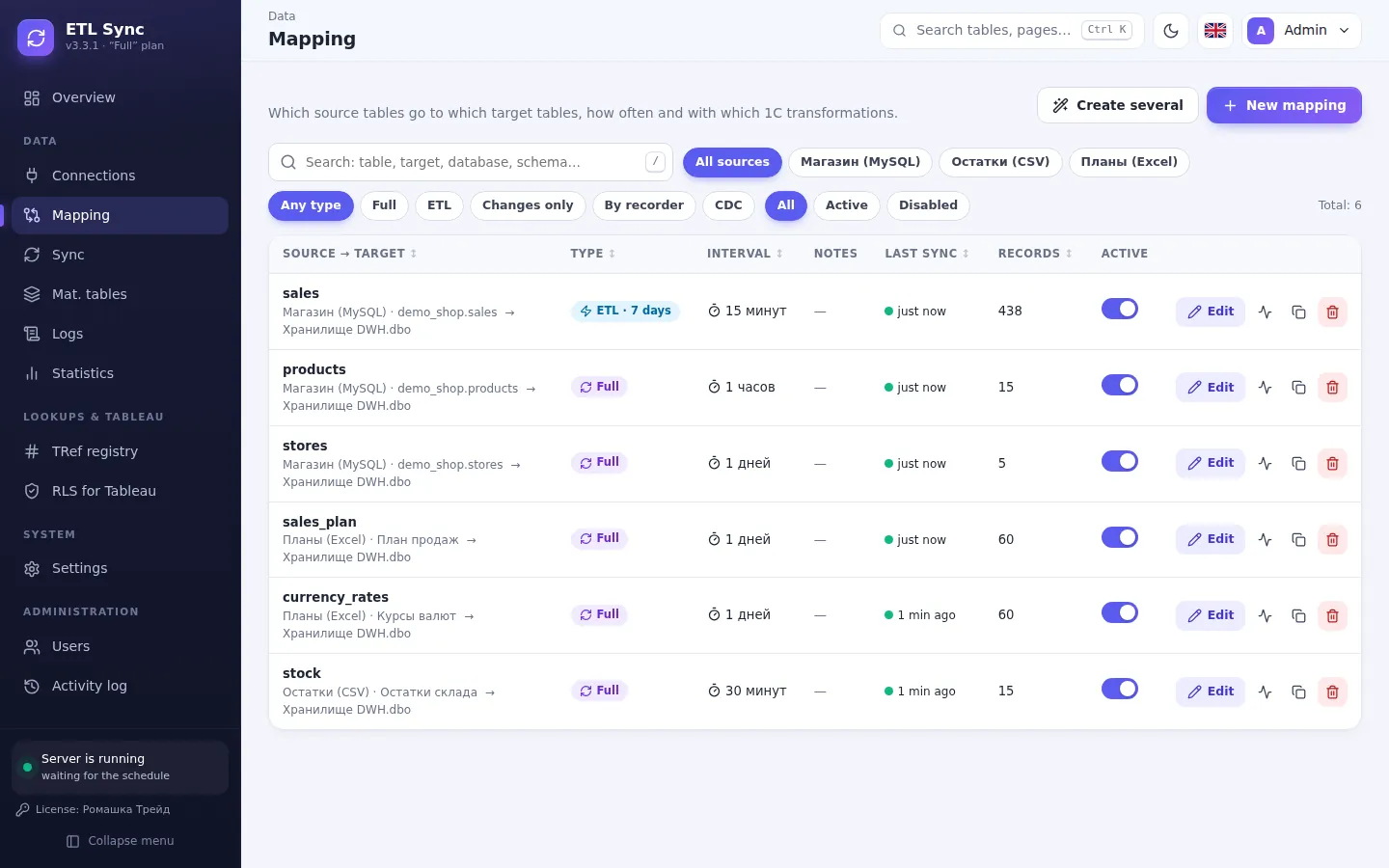
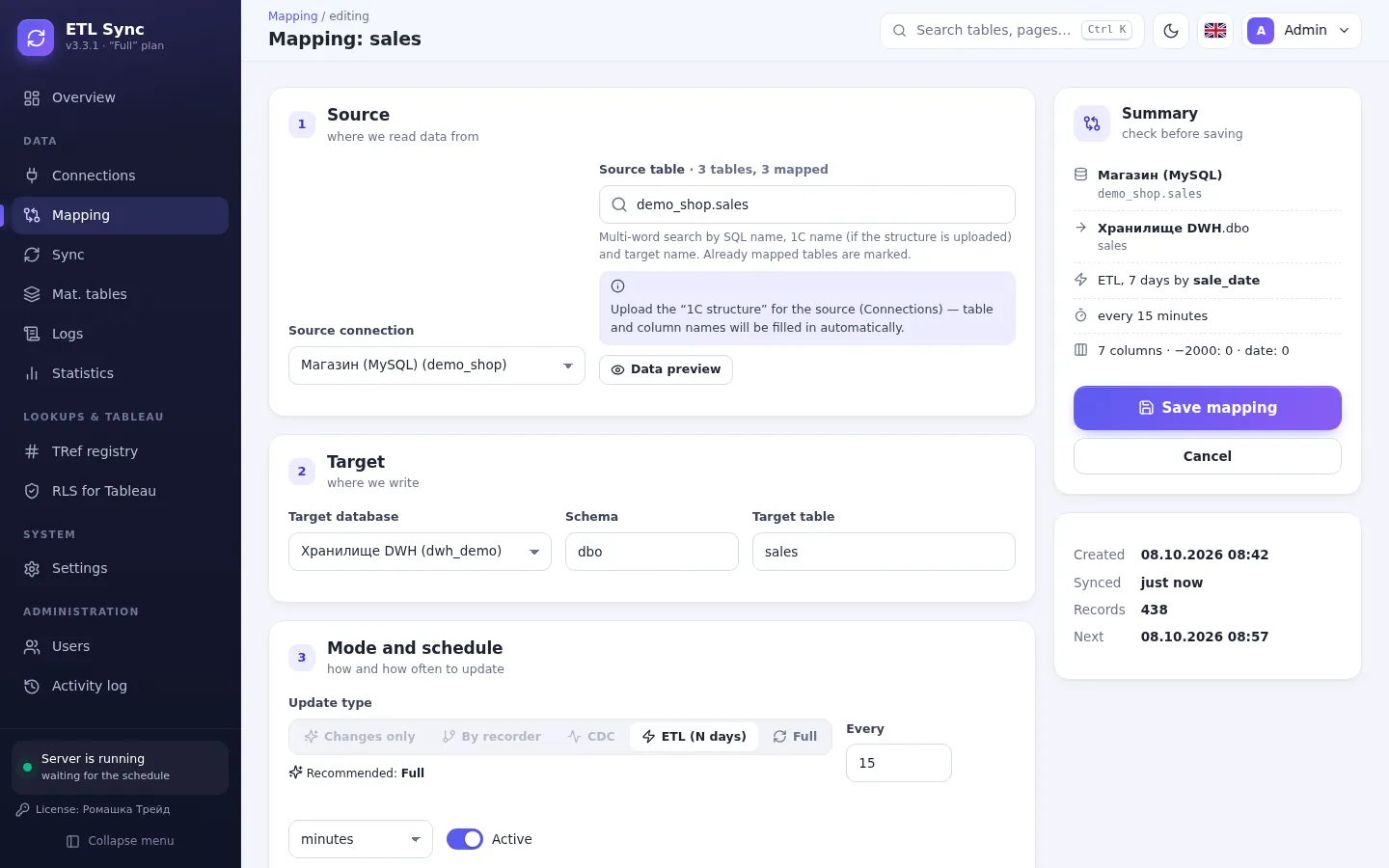
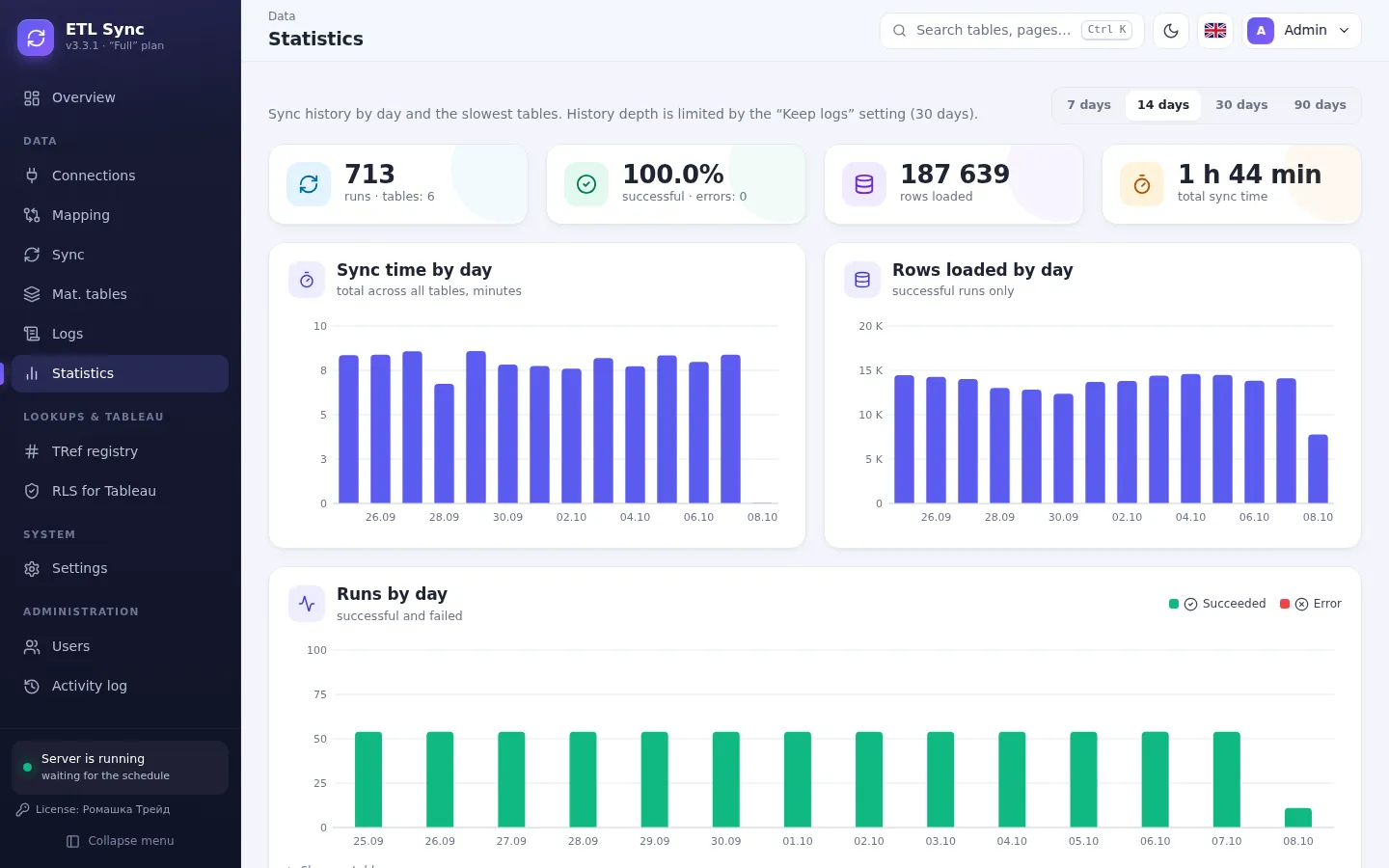
1C structure in seconds. No Excel.
Connect a 1C database and ETL Sync reads its layout itself: catalogs, documents, registers and every attribute get readable names. No data processors, no exports, no programmer.
- Open 1C and find a data processor
- Export the structure and save it to Excel
- Upload the file and check fields by hand
Enter the server and the 1C database. The program does the rest.
- ≈ 5 secondsfor an entire 1C:ERP
- 8.2 and 8.3ERP, UT, BP, KA, UPP
- MS SQL and PostgreSQLwherever the database lives
Sound familiar?
This is how most companies work — until they connect ETL Sync.
Every morning someone exports 1C to Excel and builds the report by hand
Data arrives on schedule by itself — every 5 minutes or overnight
Power BI straight on 1C — the database slows down for everyone
Reports read a separate warehouse — 1C stays fast
Managers see yesterday’s numbers and failures are noticed a week later
Fresh numbers in reports, a morning summary and errors — straight to Telegram
How it works
- 1
Install
A Windows installer — 2 minutes. Runs as a regular tray app.
- 2
Connect
Point it to your 1C database or BILLZ key and the warehouse. The program reads the 1C structure itself — in seconds.
- 3
Pick tables
The program suggests the update mode for every table.
- 4
Build reports
Connect Power BI or Tableau to the warehouse — data is always fresh.
Our products
Each program solves one business problem — and solves it well.
ETL Sync
1C, BILLZ and spreadsheet data — in one warehouse for reporting
1СMS SQLMySQLPostgreSQLBILLZGoogle Sheets Learn more Done for youDone-for-you reporting
No time to set it up? We connect your data and build Power BI, Tableau or web dashboards and a Telegram bot.
Power BITableauWebTelegram Explore servicesSimple pricing
Start free and upgrade when you need more tables.
You decide where the program and data live
Usually the program is installed on your side — data never leaves the company. Don't want to install anything? We'll run it all on our server.
In your company
- The program on your computer or Windows server
- Warehouse — your MS SQL Server or PostgreSQL
- Data never leaves the company
- Pay only for the key — there is a free plan
On our server
- The panel opens in a browser over HTTPS
- Your own PostgreSQL database — from 10 GB
- Updates and backups are on us
- Monthly billing: key and storage, auto-renew
Why choose us
For business anywhere
1C, BILLZ, Excel, Google Sheets and any database, any currency, a three-language interface.
Your data stays yours
The program runs on your server. Passwords are stored encrypted.
Support in your language
We help with installation and setup. We answer in Telegram.
Start free today
The Start plan is free forever. Need help? Leave a request — we will install and set it up with you.
Leave a request
We will call you back within a business day, show the program and help you install it.