ETL Sync
1C, BILLZ and spreadsheet data — in one warehouse for reporting
ETL Sync moves data from your business systems to your MS SQL, MySQL or PostgreSQL database on schedule. Power BI and Tableau report on fresh data, and 1C stays fast.
Program tourFeatures
Changes only
Pulls only new and changed rows from 1C — syncs in seconds, not hours.
1C structure — automatic
Connect a 1C database and in seconds every table and field gets a readable name. No data processors, no Excel exports.
Many sources
1C and any MS SQL, MySQL, PostgreSQL database, BILLZ, Google Sheets, Excel and CSV.
Reliable
Full loads go through a staging table: reports never see empty data.
On schedule
Every 5 minutes or once a night — your choice. Network drops are retried.
Telegram report
A sync summary every morning, errors straight to Telegram.
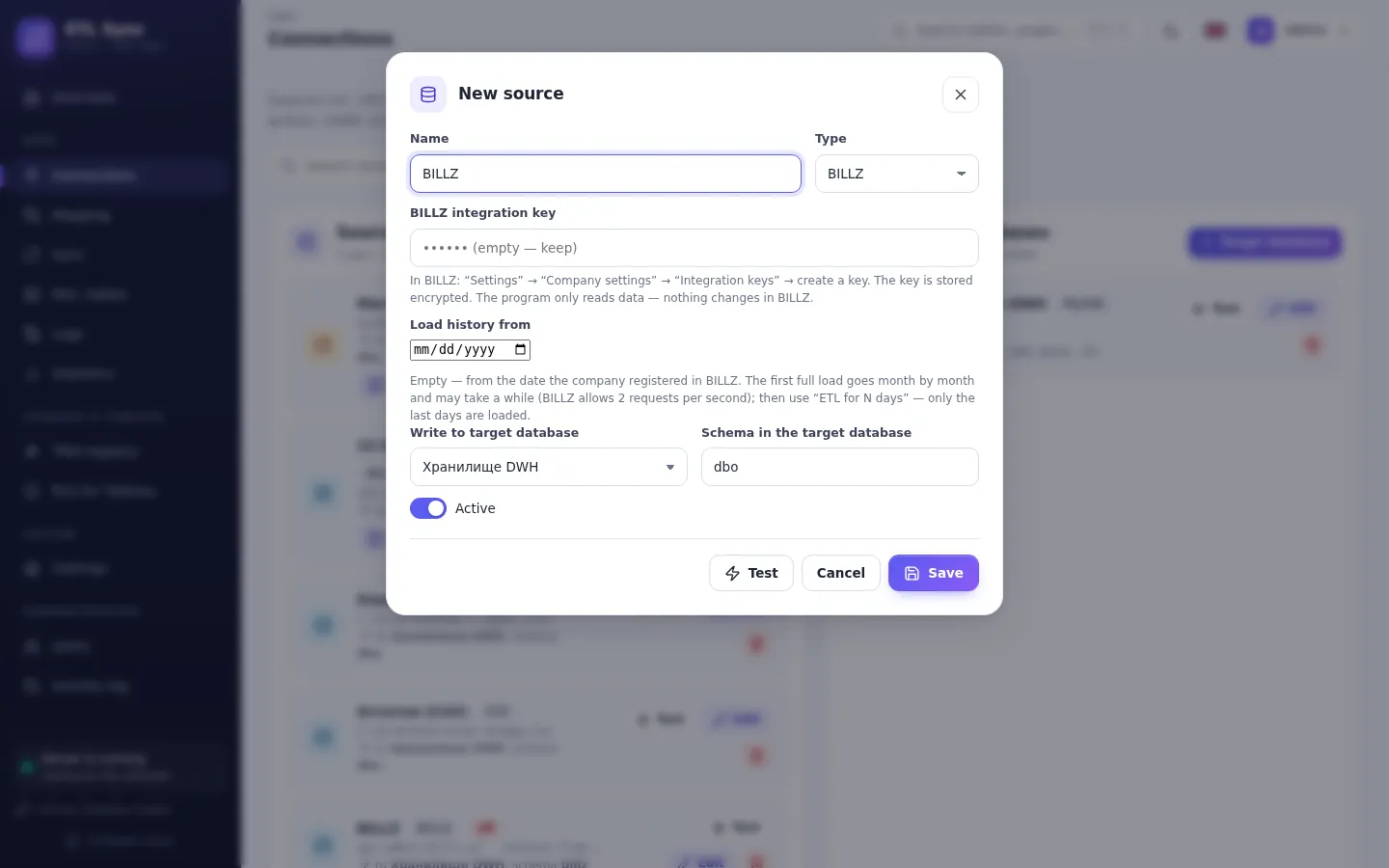
What the program looks like
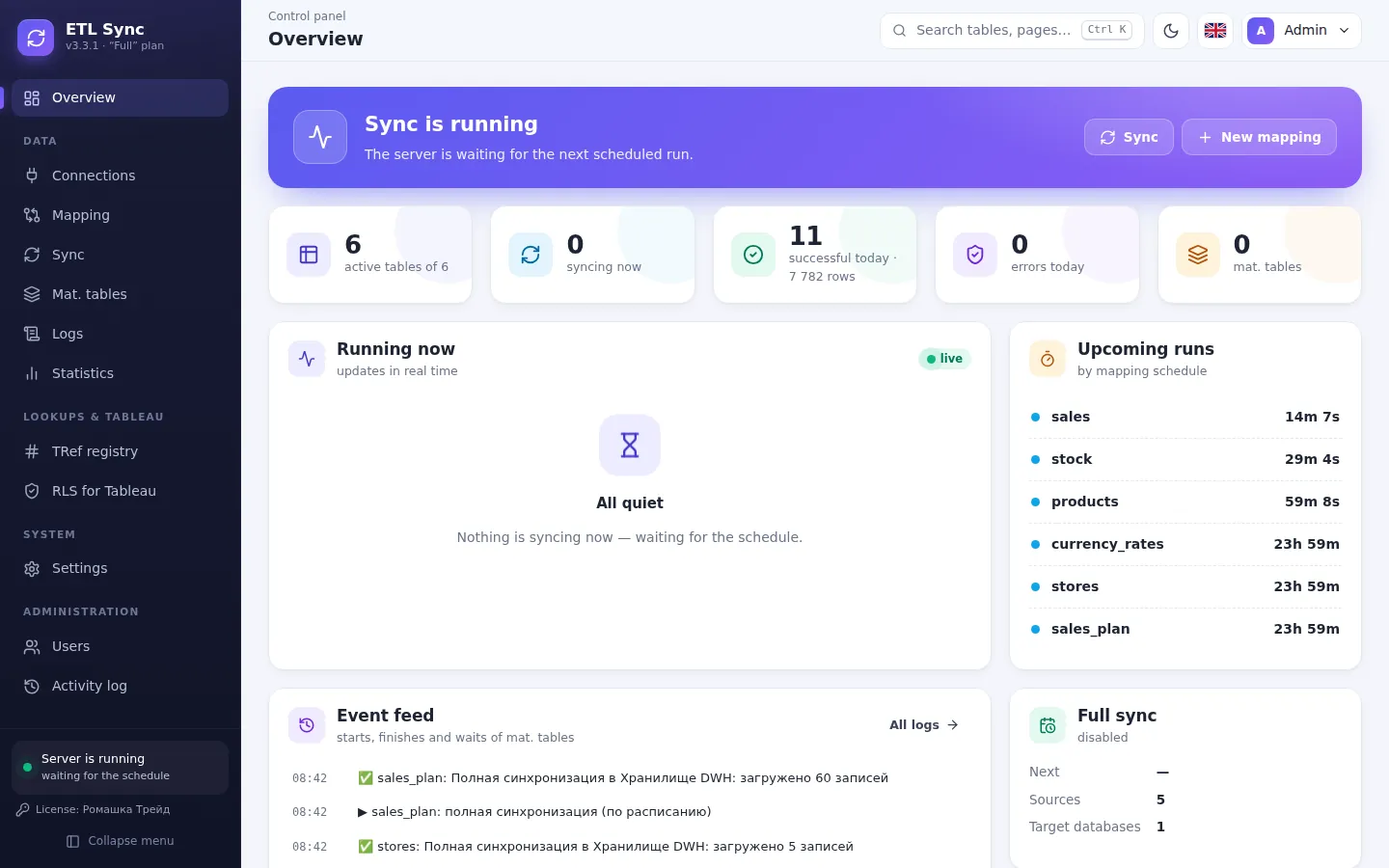
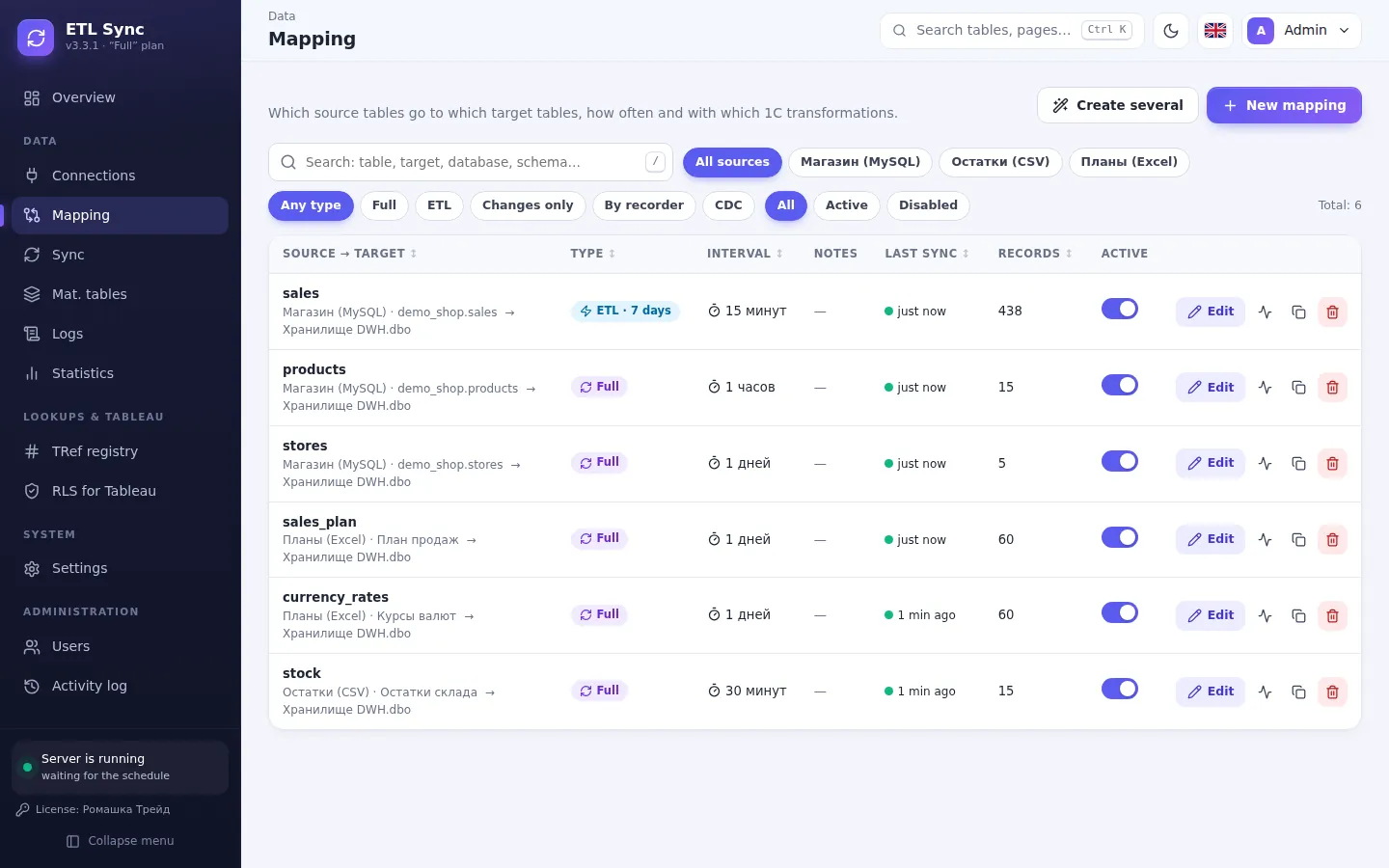
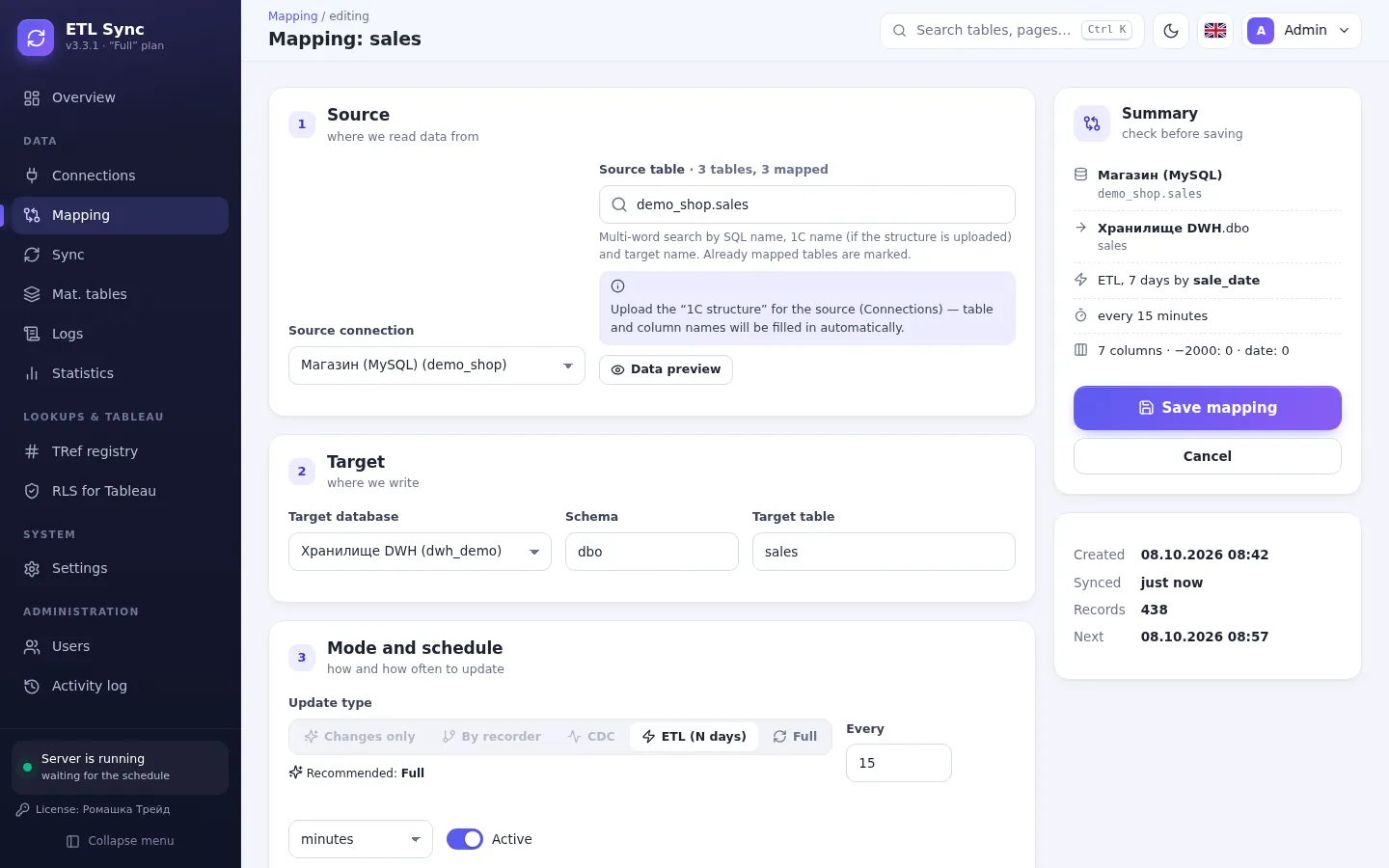
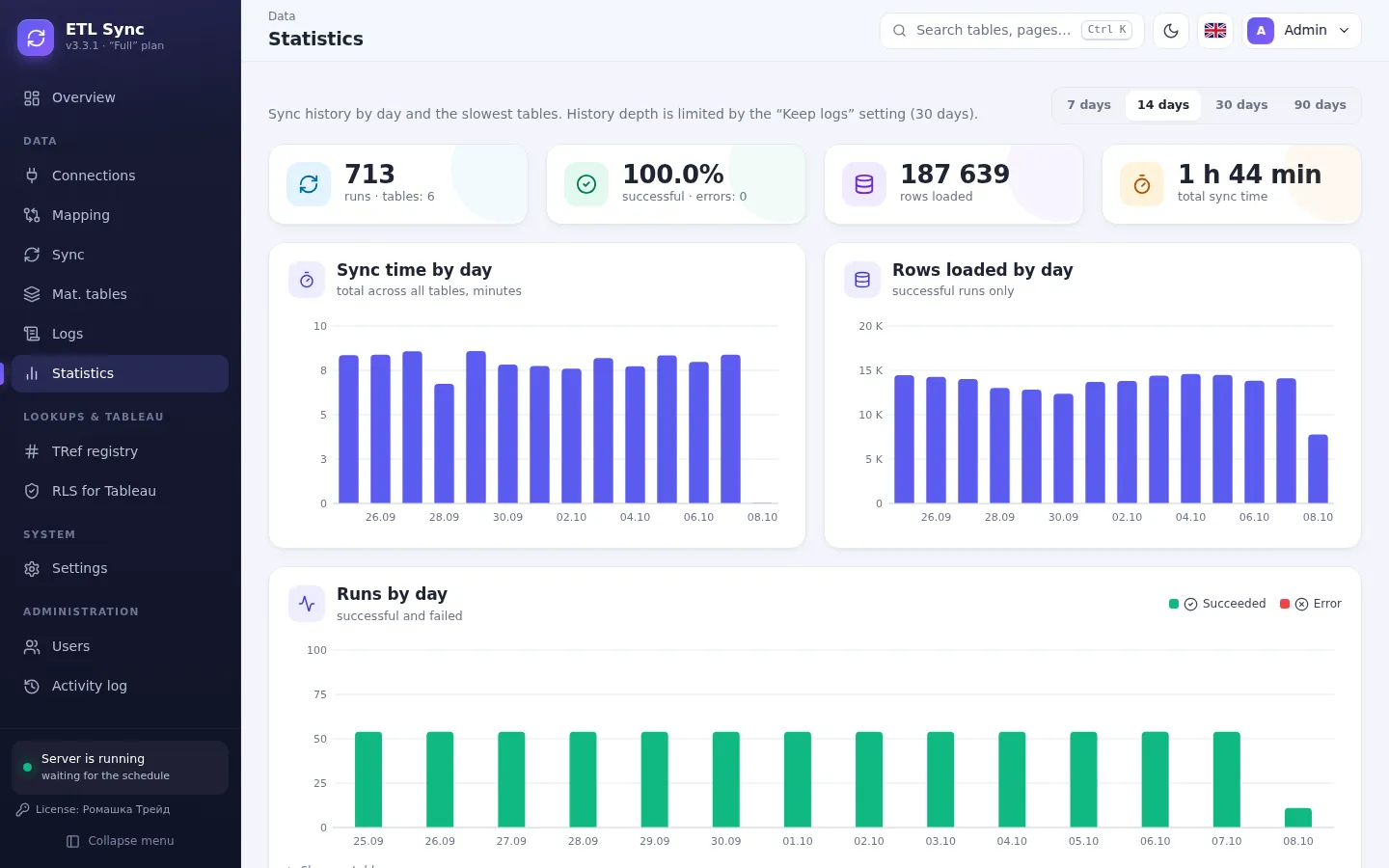
How it works
- 1
Install
A Windows installer — 2 minutes. Runs as a regular tray app.
- 2
Connect
Point it to your 1C database or BILLZ key and the warehouse. The program reads the 1C structure itself — in seconds.
- 3
Pick tables
The program suggests the update mode for every table.
- 4
Build reports
Connect Power BI or Tableau to the warehouse — data is always fresh.
Start
- 1 source and 1 warehouse
- 2 tables
- Manual runs
- Google Sheets, Excel, CSV
Pro
- 2 sources and 2 warehouses
- 10 tables
- Scheduled updates
- RLS for Tableau
- 2 users
Premium
- 3 sources and 3 warehouses
- 30 tables
- Telegram bot and daily report
- Materialized tables
- 5 users
Full
- Unlimited sources and tables
- Every feature
- Unlimited users
- Priority support
Start
- 1 source and 1 warehouse
- 2 tables
- Manual runs
- Google Sheets, Excel, CSV
Pro
- 2 sources and 2 warehouses
- 10 tables
- Scheduled updates
- RLS for Tableau
- 2 users
Premium
- 3 sources and 3 warehouses
- 30 tables
- Telegram bot and daily report
- Materialized tables
- 5 users
Full
- Unlimited sources and tables
- Every feature
- Unlimited users
- Priority support
Frequently asked questions
Do I need to change anything in 1C?
Do I need a data processor or an Excel export of the 1C structure?
What happens when the license ends?
Can I try it for free?
How does licensing work?
Leave a request
We will call you back within a business day, show the program and help you install it.